
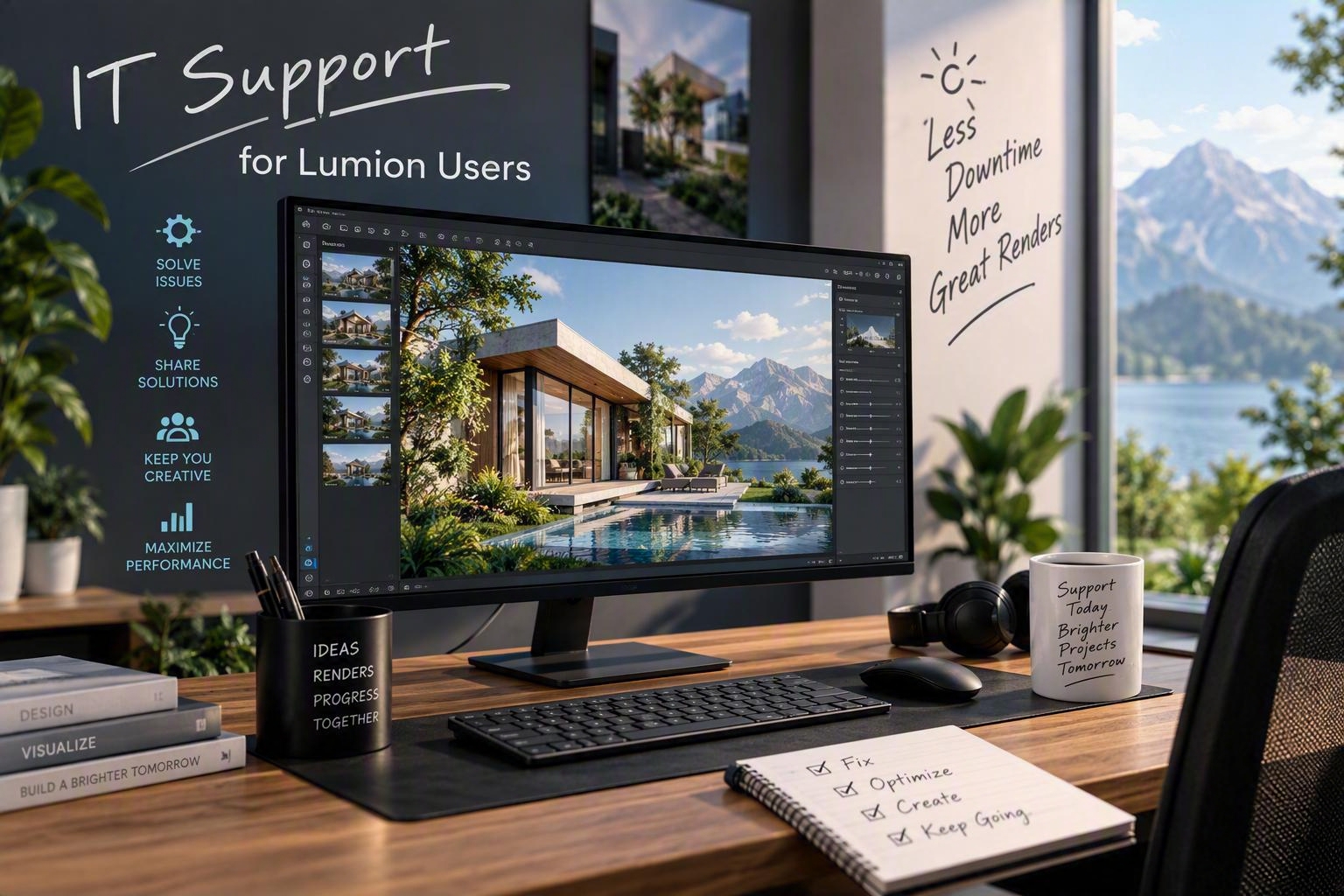
If you’ve used Lumion for architectural visualization, you know the challenge. A complex scene with detailed landscaping, realistic lighting, and high-res textures can take hours to render—or worse, crash mid-process because your workstation couldn’t keep up.
We’ve been building custom workstations for architects and landscape architects who need their Lumion projects to render faster and more reliably. It’s not about buying the most expensive components. It’s about matching the hardware to how Lumion actually uses system resources.
What Lumion needs from a workstation
Lumion is GPU-intensive first, CPU-intensive second. A powerful graphics card with plenty of VRAM handles the real-time rendering and effects. Most scenes benefit from at least 8GB of VRAM, and if you’re working with large projects or 4K output, 12GB or more keeps things smooth.
The CPU matters for calculation-heavy tasks like lighting and animation. A modern processor with strong single-thread performance and at least 8 cores gives you headroom. Fast NVMe storage helps with load times when you’re pulling in large model files and texture libraries.
Why off-the-shelf doesn’t always work
Standard office workstations are built for general business use. Gaming PCs prioritize frame rates over sustained rendering loads. Neither one is optimized for the specific demands of architectural visualization software.
We spec and build workstations based on your actual workflow. If you’re rendering at night and need a machine that stays stable under hours of full load, that’s a different build than someone doing quick concept renders during client meetings. We also factor in your software ecosystem—many firms run Lumion alongside AutoCAD, Revit, or SketchUp, and those programs have their own requirements.
Getting support that understands the work
When something goes wrong with a rendering workstation, you need someone who understands the difference between a driver conflict and a thermal throttling issue. We support the firms we’ve built systems for with remote monitoring and fast response when problems come up.
If you’re dealing with slow renders or unreliable performance in Lumion, we can help you figure out whether it’s a hardware limitation or a configuration issue. Sometimes it’s as simple as updating a graphics driver or adjusting power settings. Other times a hardware upgrade makes sense.
We’ve worked with architectural and landscape architecture firms throughout Southwest Florida on workstation builds and IT support. If you’d like to talk about what a custom Lumion workstation might look like for your practice, get in touch with us.