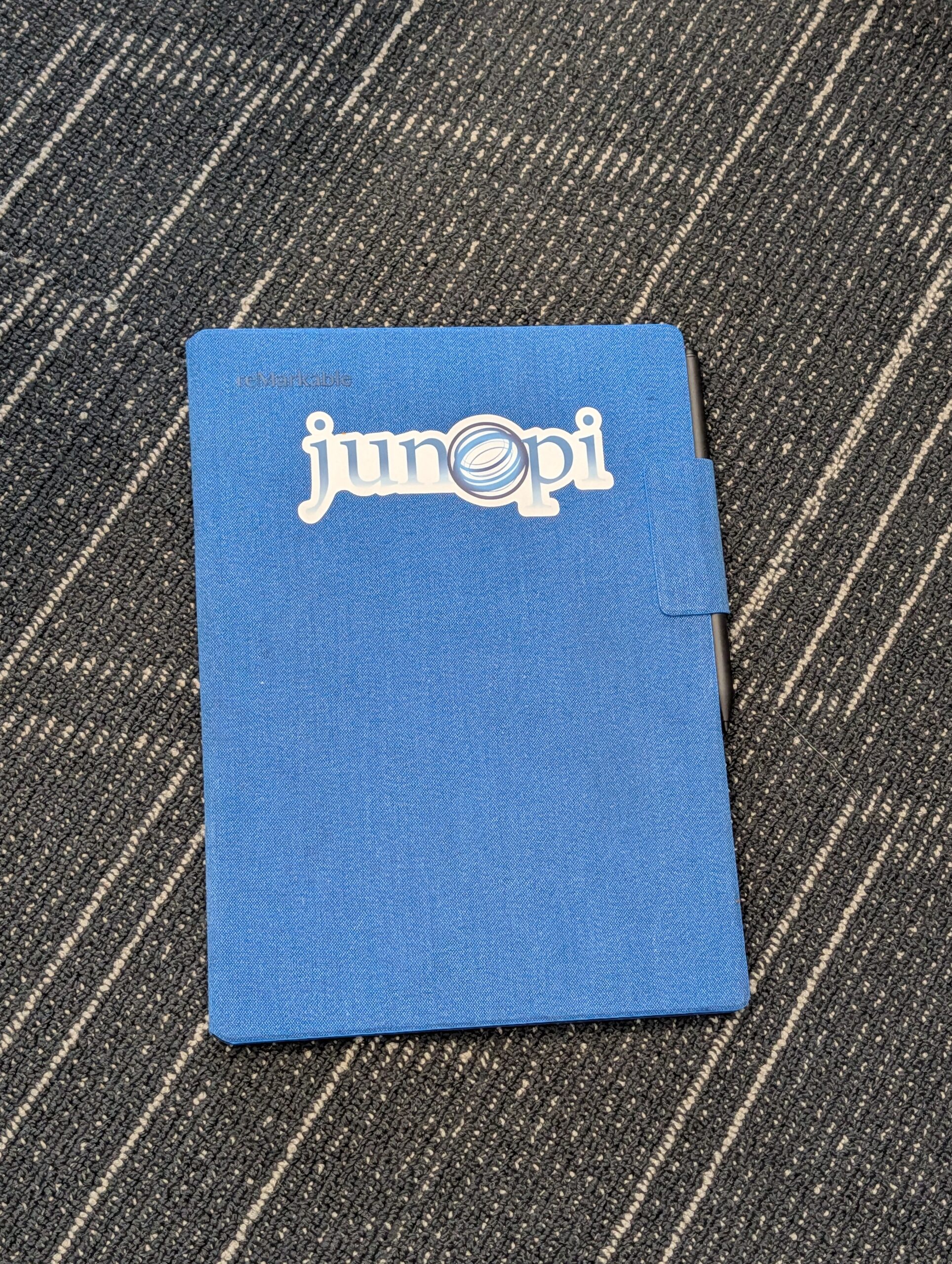
Our team runs on tickets, documentation, and quick notes during client calls. We tried everything—traditional notebooks that get lost, tablet apps that feel clunky, laptops that create a barrier during meetings. Then we found Remarkable tablets, and they stuck.
What makes Remarkable different
Remarkable tablets are e-ink devices designed for one thing: writing. No notifications, no email, no browser tabs. Just a digital notebook that feels like paper. The latency is low enough that your pen strokes appear instantly, which sounds minor until you’ve used a tablet where there’s a lag. That lag breaks the flow. Remarkable doesn’t have it.
The screen texture has just enough tooth to give you feedback. You can take meeting notes, sketch network diagrams, or mark up a PDF during a project review. Everything syncs to the cloud, so your notes are searchable and backed up without you thinking about it.
How we actually use them
During client meetings, we take notes directly on the tablet. It’s less disruptive than typing on a laptop, and we can draw quick diagrams when we’re troubleshooting a network issue or planning an infrastructure change. Those notes sync back to our systems where they’re archived with the project file.
For daily task management, some of our techs keep a running checklist. Others use it for documentation review—marking up procedures or highlighting sections that need updates. The handwriting-to-text conversion isn’t perfect, but it’s good enough to make notes searchable later.
The tradeoffs
Remarkable tablets aren’t cheap, and they’re not trying to replace your laptop. There’s no web browser, no Teams app, no email client. That’s intentional. If you need a device that does everything, this isn’t it. But if you need something that does one thing exceptionally well, it delivers.
Battery life is measured in weeks, not hours. The e-ink screen is easy on your eyes during long documentation sessions. And because it’s not connected to the chaos of your inbox and Slack channels, it’s one of the few places you can still think without interruption.
Why it matters for your business
We’re not suggesting every business needs Remarkable tablets. But the principle behind them matters: sometimes the best productivity tool is the one that does less, not more. We see clients drowning in apps, notifications, and browser tabs. Focus becomes impossible.
Whether it’s a Remarkable tablet, a dedicated note-taking app, or just turning off notifications during deep work—the idea is the same. Protect the time and space your team needs to actually think and create, not just react.
If you’re looking at productivity tools for your team and want a second opinion on what actually works versus what just adds more noise, we’re happy to talk through it. Reach out at junopi.com/contact and we’ll share what we’ve learned.