
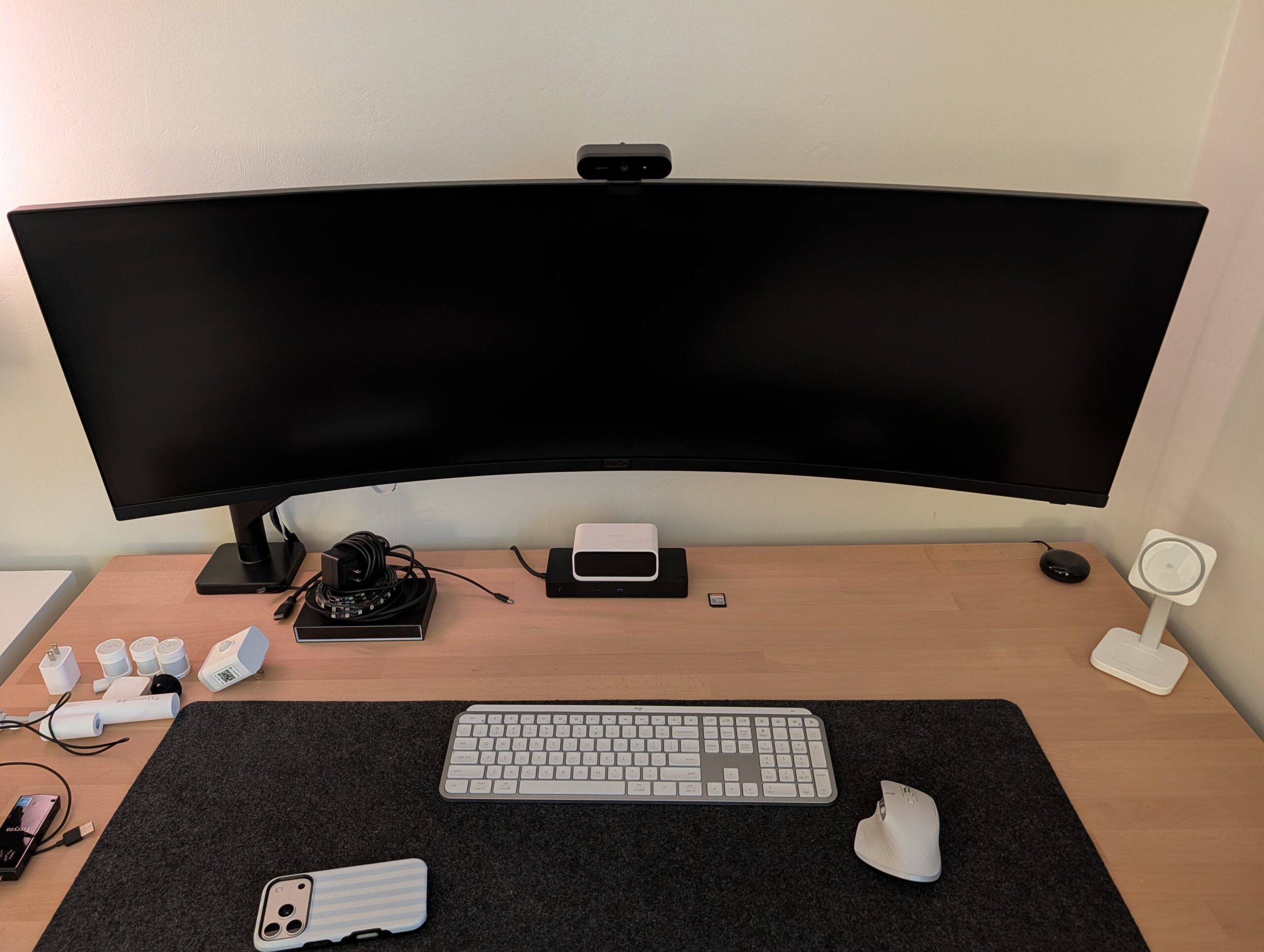
We’ve been recommending ultrawide monitors to clients more often lately, and the feedback has been overwhelmingly positive. These displays—typically 34 inches or larger with a 21:9 aspect ratio—offer significantly more horizontal workspace than traditional 16:9 monitors without the bezels and alignment headaches of a multi-monitor setup.
What you actually get
An ultrawide monitor is roughly equivalent to two 24-inch displays side by side, but in a single seamless panel. You’re looking at resolutions like 3440×1440 or 3840×1600. That means you can comfortably run three full-size windows across the screen—email on the left, a spreadsheet in the center, and a browser or document on the right—without constant alt-tabbing or window shuffling.
Where they shine for business work
Accountants and financial analysts get the most obvious benefit. You can view an entire Excel workbook with multiple columns visible while keeping QuickBooks or a PDF open alongside it. Attorneys and paralegals often keep their case management system, a document viewer, and Word open simultaneously. Developers and IT pros appreciate having code, documentation, and a terminal all visible at once.
The real productivity gain isn’t just space—it’s that you stop context-switching. When everything you need is in your field of view, you spend less mental energy remembering what was in that window you just minimized.
Practical considerations
Not every desk has room for a 34-inch or 38-inch display. Measure before you buy. You’ll also want a monitor arm or a stand with good height adjustment—sitting too close to an ultrawide can feel like watching tennis.
Make sure your computer can drive the resolution. Modern business laptops with Thunderbolt or USB-C DisplayPort output handle these monitors fine. Older machines with basic integrated graphics might struggle. We typically recommend displays from Dell, LG, or BenQ for business use. Expect to spend $400-$800 for a solid option.
When they might not be the answer
If your work involves a lot of video calls, you might prefer a traditional dual-monitor setup with the webcam centered between displays rather than off to one side. And if you frequently present your screen to others in the room, an ultrawide can be harder for people to see from an angle.
But for focused desk work where you’re juggling multiple applications, an ultrawide monitor is one of the simplest upgrades that actually changes how you work. We’ve had clients tell us it’s made more difference than a faster computer.
If you’re curious whether an ultrawide setup would work for your team, or if you need help speccing out the right hardware for your workflow, reach out. We’re happy to talk through what makes sense for your situation.